
Tutorial
How to Get Made-to-Measure Clothes From Your Phone Photos (Step by Step)
A practical guide to ordering made-to-measure clothes online: which measurements a tailor actually asks for, how to get them from two phone photos, and how to check the order before it's cut.
Published October 27, 2026
Made-to-measure used to mean a tailor's shop, a tape measure and two or three fittings. Now plenty of brands will cut a suit, a shirt or a pair of trousers to your numbers from an online order. The catch is that the order is only as good as the measurements you send. This guide walks through what a made-to-measure order needs, how to get those numbers from two phone photos, and how to check everything before the fabric is cut.
If you want the background first, our explainer on what AI tailoring is and how it works covers the basics. This one is the hands-on part.
Made-to-measure, bespoke and off the rack: what you're actually ordering
Off the rack means a standard size, cut for an average body that fits that size. Made-to-measure starts from an existing pattern and adjusts it to your measurements: sleeve length, waist, shoulder width and so on. Bespoke goes further, with a pattern drafted from scratch and several fittings in person.
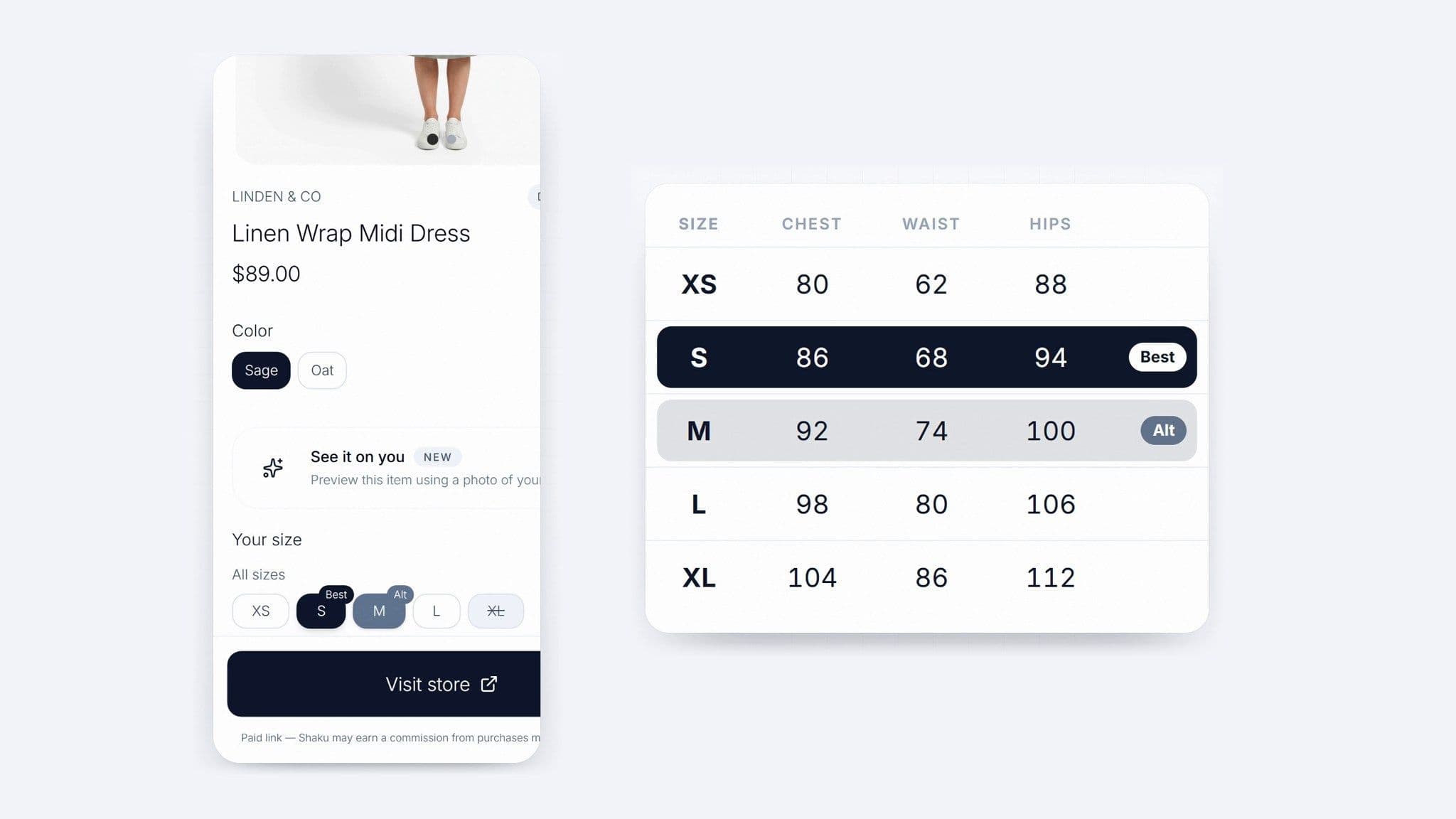
Most online "custom" and "tailored" brands sell made-to-measure. That's good news, because it's the kind of order where accurate body measurements do most of the work. You don't need a fitting room. You need the right numbers, taken the right way.
Ordering something tailored? Sign up free and get your measurements from two photos.
The measurements a made-to-measure order asks for
Every brand's form is a little different, but the same core measurements come up again and again. For jackets, suits and coats: chest, waist, shoulder width, sleeve length, back length and, for a closer fit, bicep. For shirts: neck, chest, waist, sleeve length and wrist, since the cuff should close comfortably over a watch. For trousers: waist, seat (the fullest part of the hips), thigh, rise and inseam.
Two things trip people up. First, some forms ask for body measurements and others ask for garment measurements, which include ease (the extra room that lets you move). Read the form's instructions before you type anything in. Second, "waist" means different things on different forms. A trouser waist usually sits lower than your natural waist, so check where the brand tells you to measure.
How to get your measurements from two phone photos
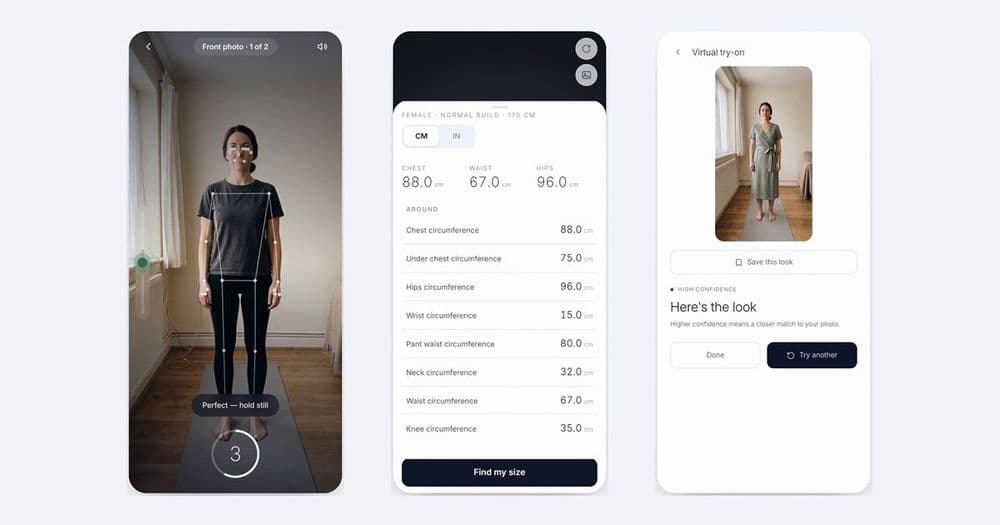
Photo-based body measurement works by finding key points on your body in a front photo and a side photo, such as shoulders, waist, hips and knees, and turning the distances between them into measurements. With Shaku, the steps are:
Step 1: Open Find My Size (Body Measurement) in the app or at app.shaku.tech.
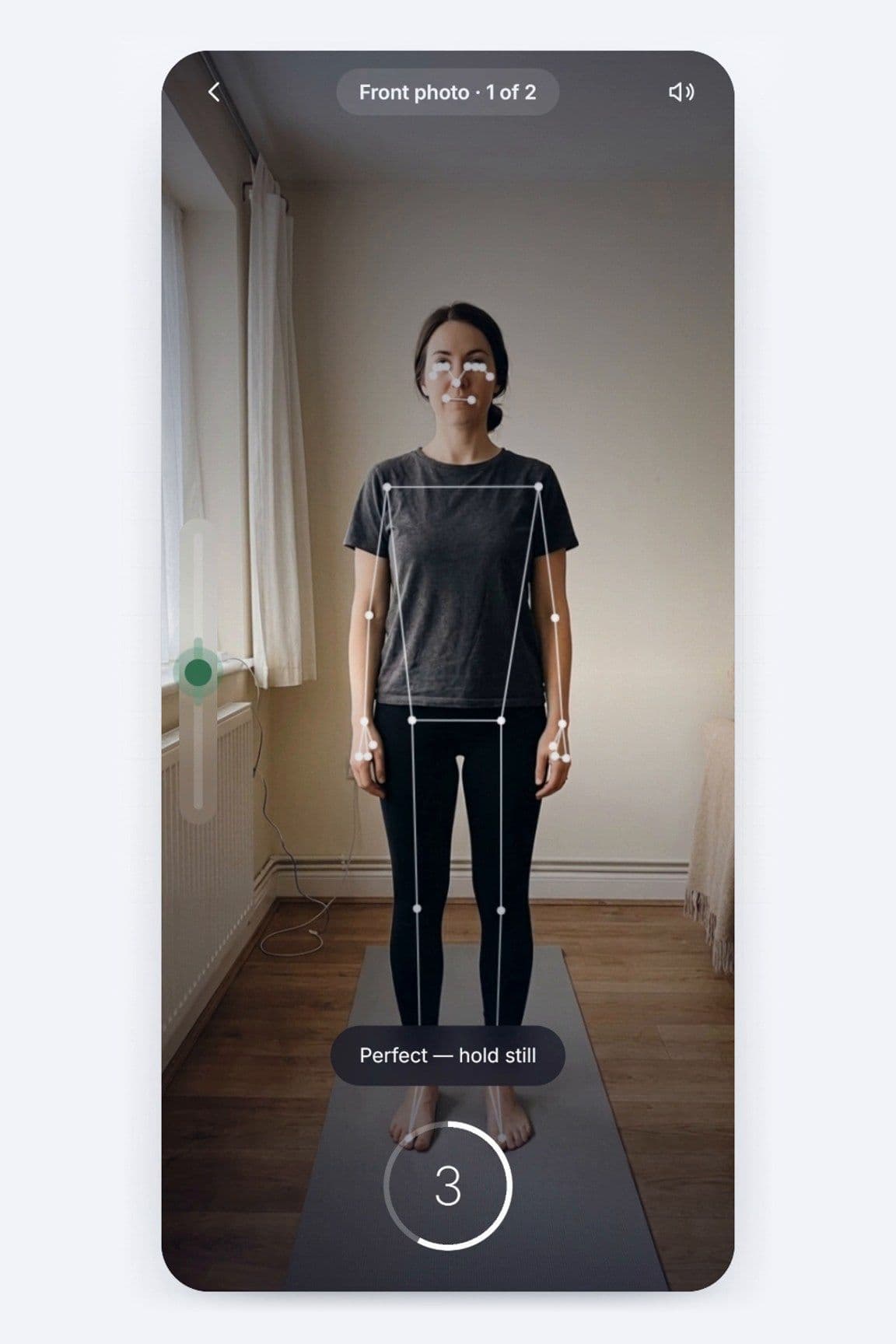
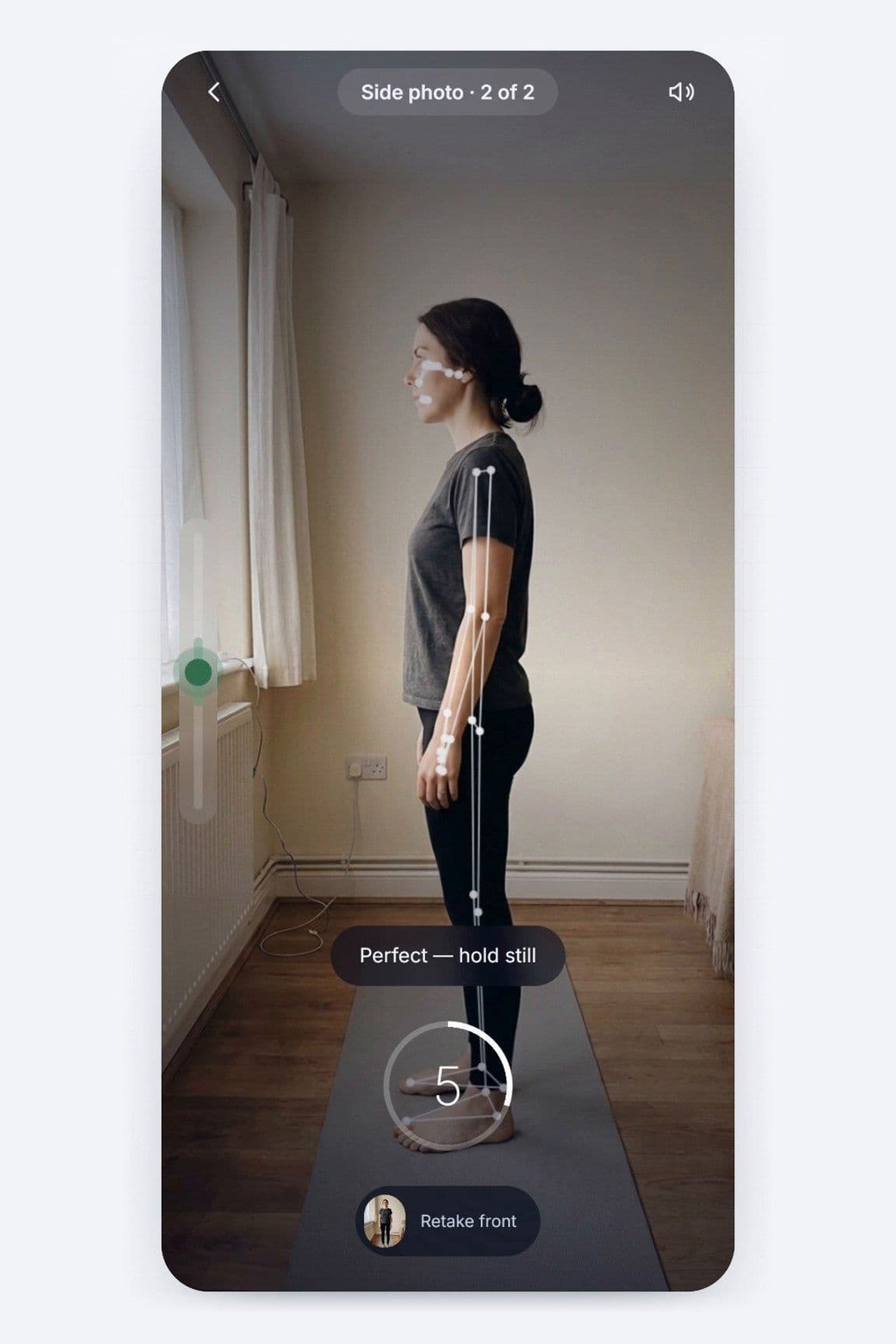
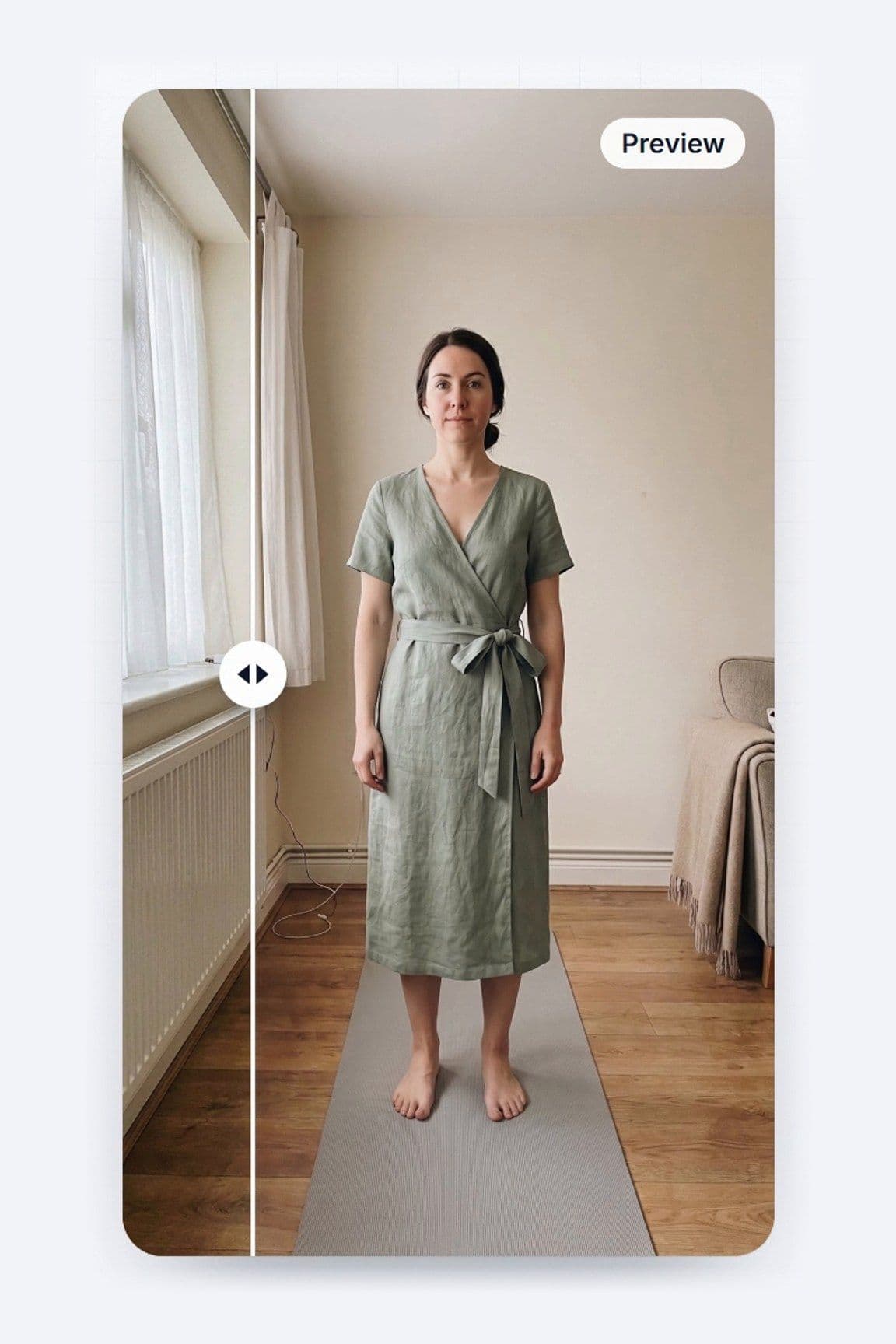
Step 2: Take the two guided photos, one from the front and one from the side. Wear close-fitting clothes, stand against a plain background in even light, and keep your whole body in the frame from head to feet.
Step 3: Review your measurement grid. Shaku gives you 60+ measurements, including chest, waist, hips, shoulder, neck, wrist and knee, and you can switch between centimetres and inches to match the brand's form.
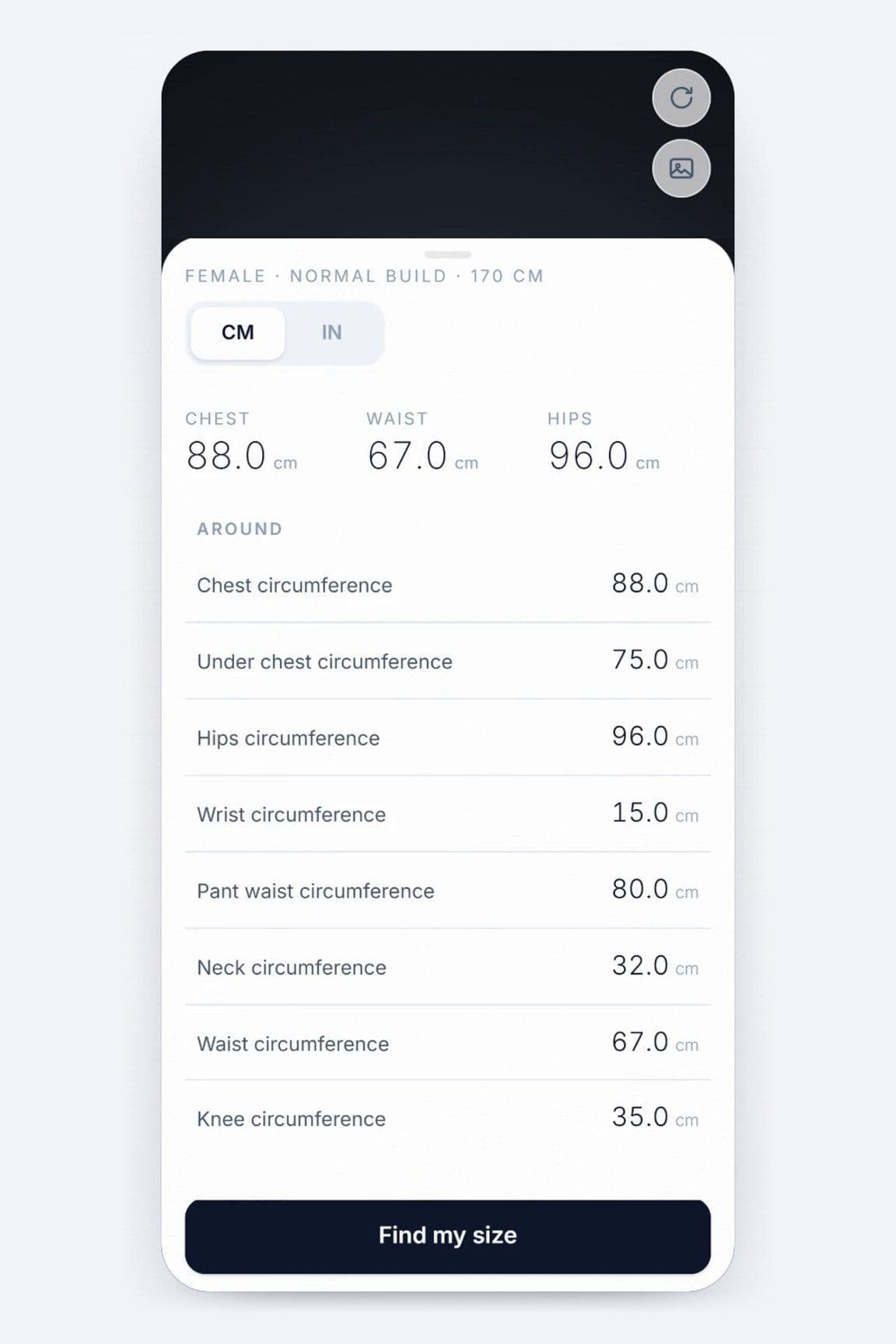
Step 4: Copy the numbers the form asks for, or keep a screenshot of the grid handy while you fill it in. Your measurements are saved, so you can come back to them for the next order.
Our step-by-step guide to using Shaku has screenshots of each step and tips for photos that measure well. If you'd rather measure by hand, here's how to measure your body without a tape measure.
Where photo measurements help most, and where to take extra care
Photo measurements are strongest on the numbers that are hardest to take alone: shoulder width, back length and sleeve length all need a second pair of hands with a tape. They're also consistent. Take the photos again in six months and you'll see whether anything has actually changed, without wondering whether you held the tape differently.
A few things still deserve care. Style choices aren't measurements: how long you like your sleeves, how much break you want on a trouser hem and whether you prefer a slim or relaxed shirt are preferences, so set them in the brand's options. Posture matters too. Many brands ask about sloping or square shoulders, or how you stand, and those answers shape the pattern as much as the numbers do. And if a measurement looks off compared with a piece you already own and love, check that piece's garment measurements before you order.
Check your order before it's cut
Made-to-measure pieces are harder to return than off-the-rack ones, so a five-minute check is worth it. Lay a jacket or shirt that fits you well flat on a table and measure it: chest across, sleeve from shoulder seam to cuff, and back length from the collar seam down. Compare those garment numbers with what the brand will make. If the brand shows a finished-garment summary before you pay, read every line.
Then read the brand's remake or alteration policy. Many made-to-measure brands offer a free alteration or remake if the fit is off, but the conditions vary, so know them before you order. Keep your measurement screenshot with your order confirmation so you can show exactly what you sent.
What to order first
If it's your first made-to-measure order, start with a shirt or a pair of trousers rather than a full suit. They're quicker to make, they cost less, and they show you how a brand interprets your numbers. Once a shirt fits the way you want, you've also got a reference garment for every order after it.
Tailoring is having a big season, from roomy suits to sharp straight-leg trousers, and a piece cut to your measurements is an easy way to wear it with confidence. For more on how photo-based measurement fits into online tailoring, read how AI body measurement is changing online tailoring.
Find My Size — free for 7 days. Sign up and get your measurements from two photos.
Frequently asked questions
Can I order made-to-measure clothes without seeing a tailor?
Yes. Most online made-to-measure brands adjust an existing pattern to the measurements you send, so you don't need an in-person fitting. Accurate body measurements, plus the brand's style and posture options, do most of the work.
Which measurements do I need for a made-to-measure suit?
Usually chest, waist, shoulder width, sleeve length, back length and bicep for the jacket, and waist, seat, thigh, rise and inseam for the trousers. Check whether the brand's form wants body or garment measurements before you fill it in.